Capture the set.
Start with a photo or a quick note. Record the service, length, shape, and products while the details are fresh. Type them in or use dictation where your browser supports it.
The original nail services concierge.
Your favorite shape. That exact shade. The little things that make an appointment comfortable. Keep them with your service history and inspiration, then choose what to share with your next artist.
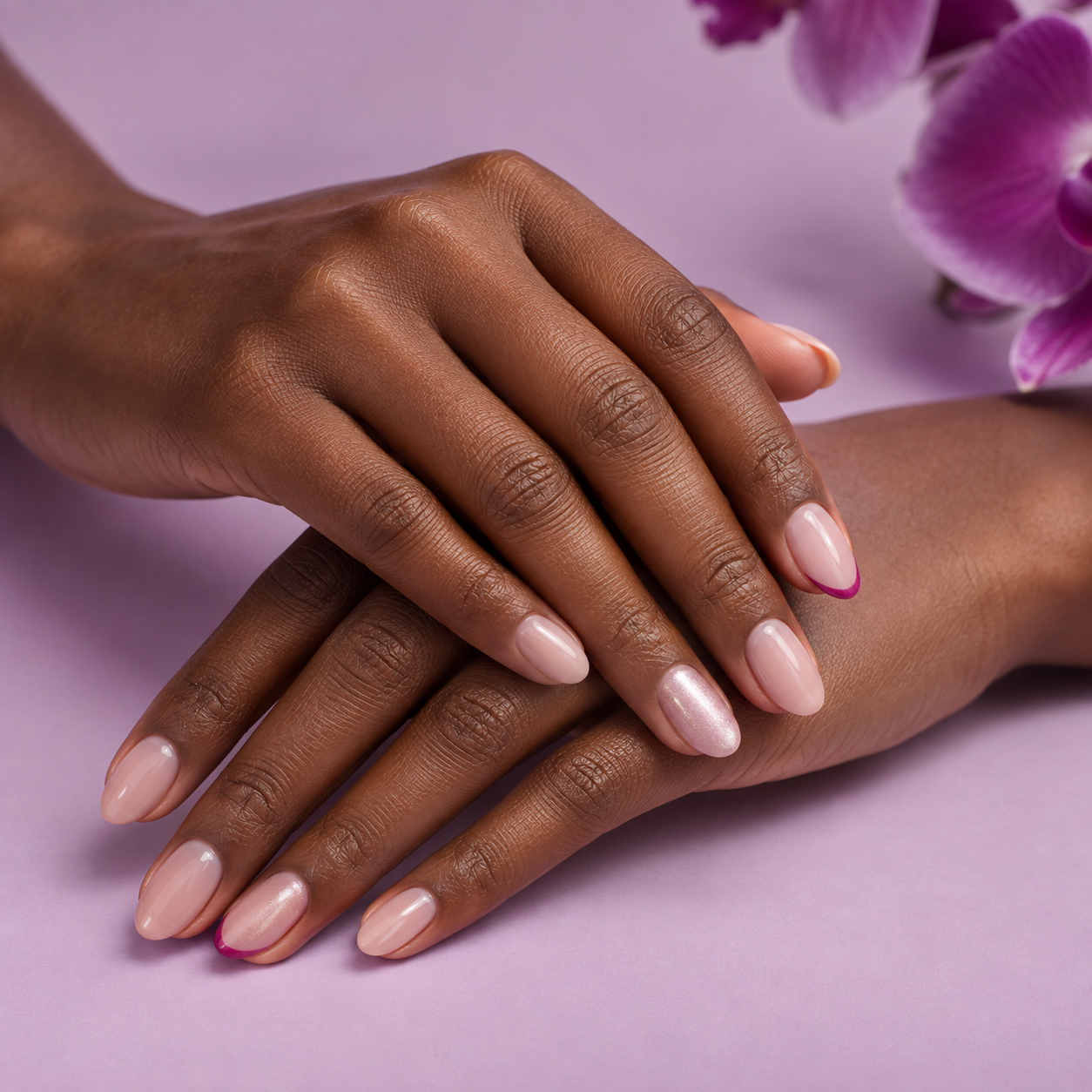 Every detail, distinctly you.
Feel like a regular. Even at a new salon.
A great appointment leaves you with more than a look. Keep the details that made it yours, then bring the right ones to your next artist.
Start with a photo or a quick note. Record the service, length, shape, and products while the details are fresh. Type them in or use dictation where your browser supports it.
Remember what you loved and what you would change. Save inspiration, revisit your favorite services, and choose which details become part of your usual.
Build your NailFile Card with the preferences, photos, and service history you want your artist to see. Show it at your appointment or download it to share.
“What was that color?” should have an answer. Your service record keeps the exact products together with a photo of your finished nails, the artist, and the details you want to remember.
“Loved the color. Next time, a little shorter.”
You enter and confirm the details. A hand photo is a visual record, not proof of a product or shade.
Move the guide shorter or longer. Your Nailfile can give your artist a visual reference for the length you mean, with a clear target to discuss together.
Add the collection, shape, and fit sizes to complete the reference.
Illustrative example: this “medium” uses a 5 mm target beyond the fingertip. It is not a universal size or a measurement from a photo. Your artist confirms the final length.
A look is only part of the experience. Your Nailfile makes room for the way you want your nails to look and the way you want your appointment to feel.
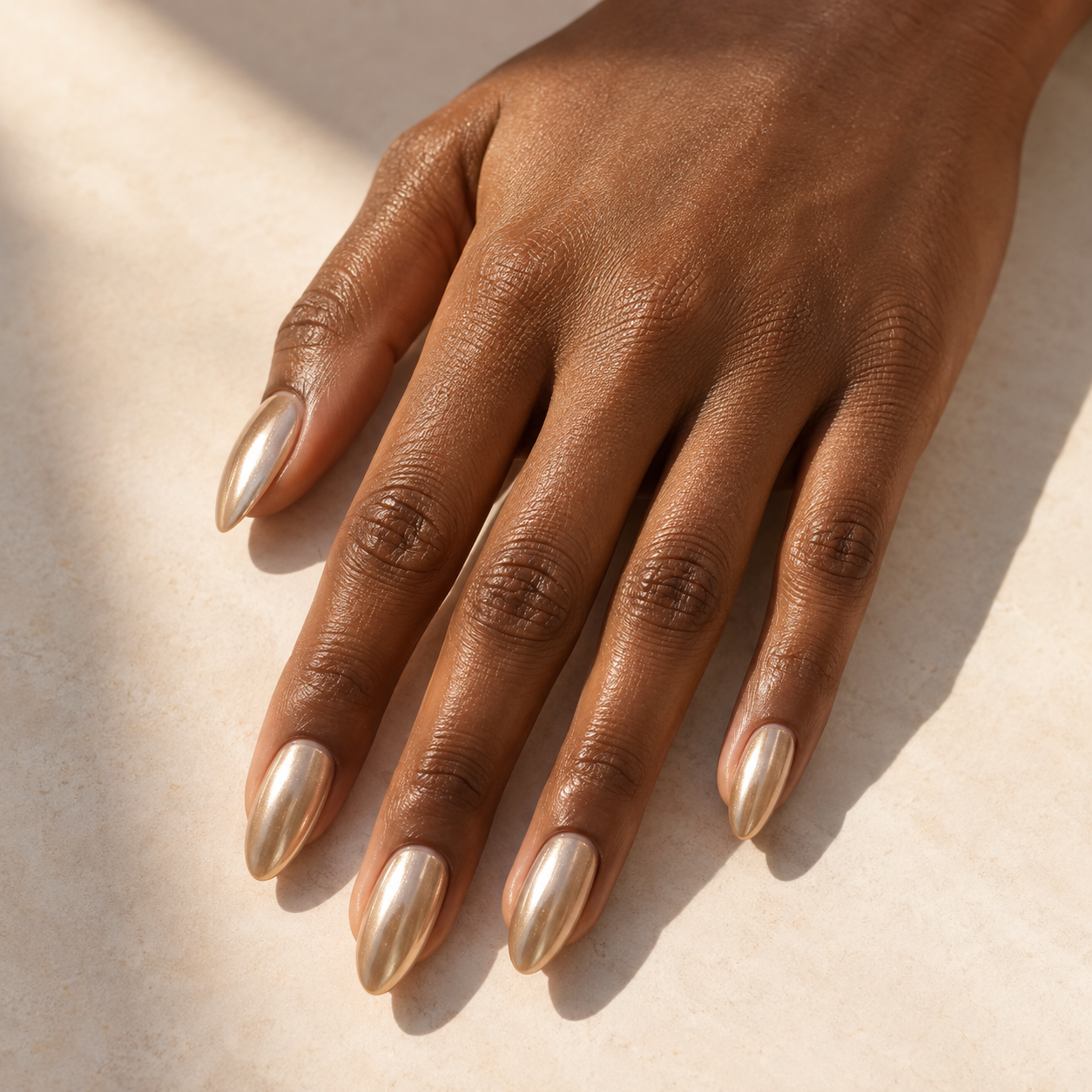
Explore the edit, save a favorite, and find your route from inspiration to an artist, a polish, or a set of press-ons.
Explore the app ↗A quiet appointment. Time to choose a shade. Soft music or fragrance-free surroundings. Save the comfort details that matter to you and include the ones you want to discuss with your artist.
Make your Nailfile yours ↗Picture a shared lookbook, a group conversation, and the next nail-date idea—all in one place.
Try the social preview ↗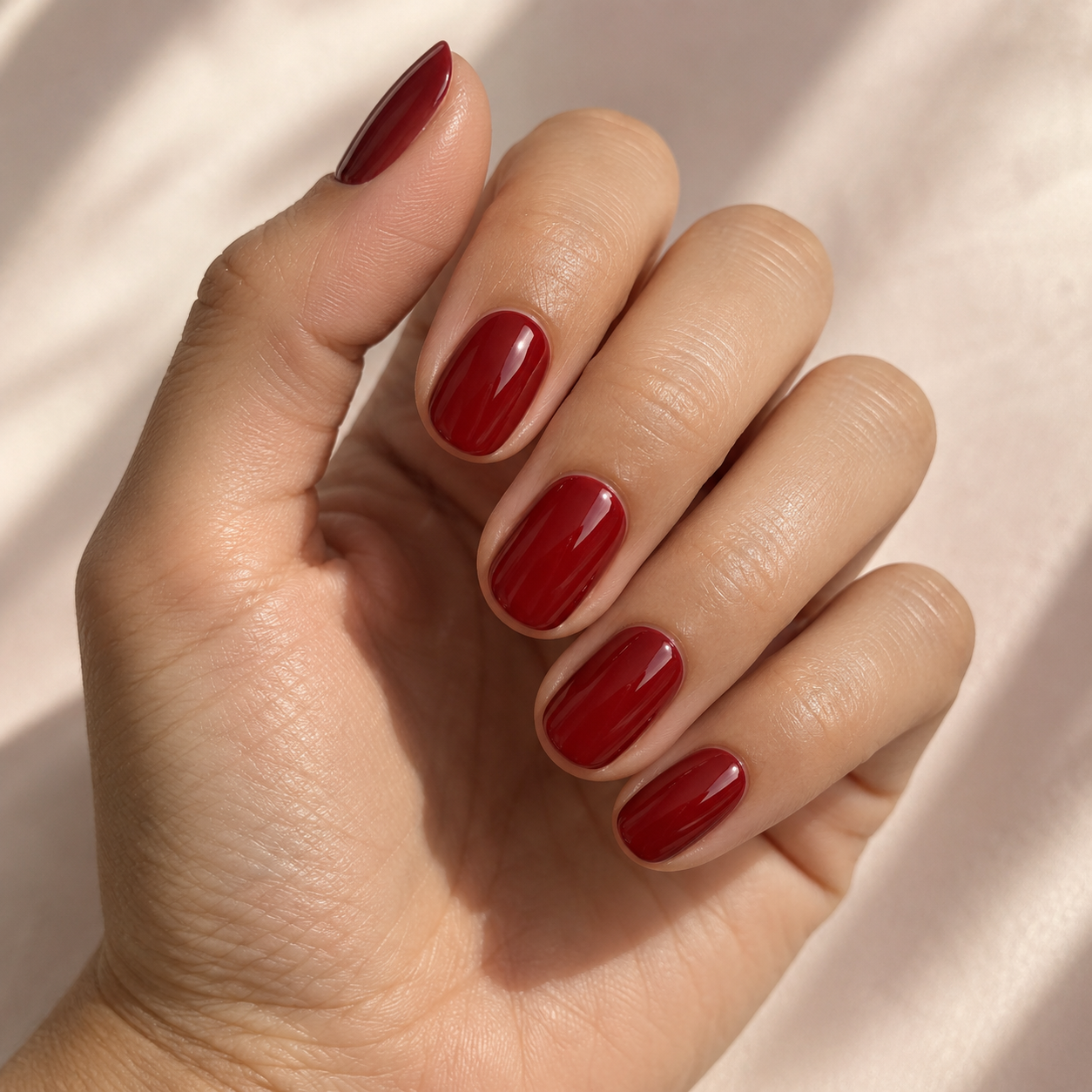
Browse press-ons, independent makers, and nail-brand collections. Shop on the seller’s website, or explore local application services when you want a professional’s touch.
Explore the atelier ↗Conversational guidance is part of the NailFile experience: help exploring looks, products, salons, and your next appointment. You can explore the concierge screen now; live AI responses are not activated yet.
Keep what you wear, what you want, and where you love to go connected—without losing the details that make each one different.
Favorite products stay separate from your look wish list and purchase wishes. Keep the brand, shade, link, and your own notes with the find.
Explore my collectionKeep purchase and payment records alongside your service history. Record what you paid elsewhere and return to the details when you need them.
View purchase historySave your Home salon, a Lux pick, a favorite artist, and places to try. Organize them by city and keep private notes about what makes each one yours.
Build my salon favoritesSometimes your usual is something you discover over time. Optional auto-learn notices patterns in services you recorded and liked, suggesting possible favorites and preferences. Your own visit history can also help estimate when you might want your next service.
Your taste can evolve. Review each suggestion, keep what fits, and leave room for something new. You decide what becomes part of your usual and what your artist gets to see.
Explore your personal Nailfile ↗Recorded on four of five visits you liked.
Your NailFile Card is the part of your file you choose to share: your usual, a selected past service and its product labels, inspiration, and comfort requests. Give your next artist a clear starting point while keeping private reflections, purchase records, and notes marked private to yourself.
Share my NailFileYour personal NailFile, connected to a wider world of inspiration, community, and care. These longer-term additions are planned for future releases.
Pin favorite looks to visual inspiration boards, organize ideas for your next set, and build shared lookbooks with the people whose taste you trust.
Stay connected with friends and people you follow through in-app messaging. Swap inspiration, talk through a look, and shape a fresh set together.
Explore celebrity nail inspiration and standout community sets. React, join the conversation, and discover curated ways to shop a look. Share your own set for a chance to be featured.
Talk directly with your artist before or after a visit. Ask about a look, check a product detail, and keep appointment conversations together in NailFile.
Send a request during your service or between appointments—from a comfort adjustment to a detail you want to revisit. Give your artist a clear way to acknowledge and respond.
Choose the preferences, inspiration, and past-service details you want to share, then send them to your artist inside NailFile so you can arrive with a shared starting point.
Receive direct referrals to participating artists and salons for a specialist, a travel visit, or a repair. Choose what travels with your file when you meet someone new.
Opt-in appointment reminders and leave-time guidance, with travel time, parking details, and salon wait or delay updates to help you plan your arrival.
Connect your calendar, request a time that works for the service you want, and coordinate a nail date with your fresh set circle. Artists confirm availability; you choose what friends can see.
Choose “Share my NailFile” in the app. Select what belongs on your NailFile Card, then show it on your phone, download it, or print it. Nothing is sent automatically, and the artist does not need NailFile OS to read your card.
Yes. Open nailfile.app on your phone and tap “Install NailFile” to add it to your Home Screen. Supported browsers offer an install prompt; iPhone users can follow the Safari steps. The web app needs an internet connection. Native iPhone and Android apps remain on the product roadmap; there is no app-store download in this release.
You can save a photo of your nails and a separate label photo for each product, then enter or correct the details yourself. Automatic label reading is not active in the current version.
Shopping links open the retailer’s website. You can keep a record of purchases and payments in NailFile, but the current app does not process payments or hold your money.